
Hover Title & Tag
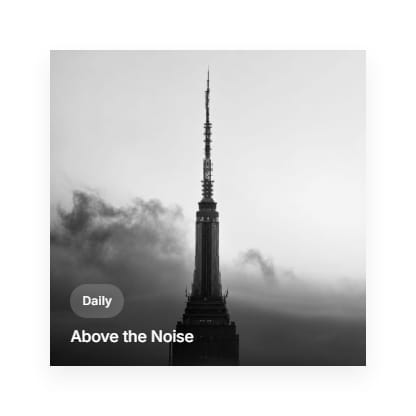
When a reader hovers over a post's thumbnail in the feed, the title and primary tag fade in smoothly over the image. This is controlled by a single dropdown in your theme settings no code required.
How It Works?
The overlay displays two elements: the post's first tag (shown as a small label), and the post title (shown below it). Both stay hidden by default and only appear with a slide-and-fade animation when the cursor moves over the thumbnail.
How to Enable It?
- Go to Settings → Design and branding → Brand and theme → Theme.
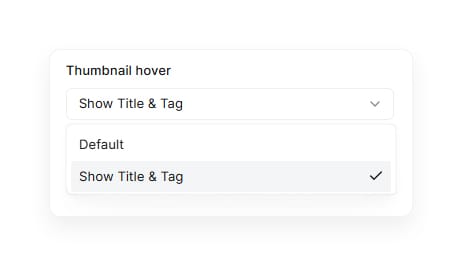
- Scroll to the Site wide section and find the Thumbnail hover dropdown.
- Select Show Title & Tag from the available options (the other option is Default, which displays the thumbnail with no overlay).
- Click Save.
This setting applies across the entire site — homepage, tag pages, and author pages — with no need to edit individual posts.
0:00
/0:14